
Case Study
Trade Notification Sync
Independent technical proposal to a retirement planning firm
*This was a technical proposal I designed independently. The company name has been withheld, and this pipeline was not built or deployed in production.
The Problem
A missing trade confirmation is invisible until someone asks.
When a clearing company executes a trade, the firm is supposed to confirm it to the client. Sometimes that confirmation just doesn't go out, not because anyone did anything wrong, but because nothing in the process forces someone to notice a trade that never got acknowledged.
The firm this was designed for typically found out the same way every time: a client called asking why they hadn't heard anything, which is the worst way to find out.
The Opportunity
A system that notices before the client does.
The right system would watch for new trade activity the moment it appeared, without asking the clearing company (an outside party with no reason to change how they work) to install anything or grant more than read-only access. It would tell a genuinely new trade apart from a correction to one already on file, and it would send the confirmation itself, not just flag that one might be missing.
The Pipeline
So I designed a three-stage sync.
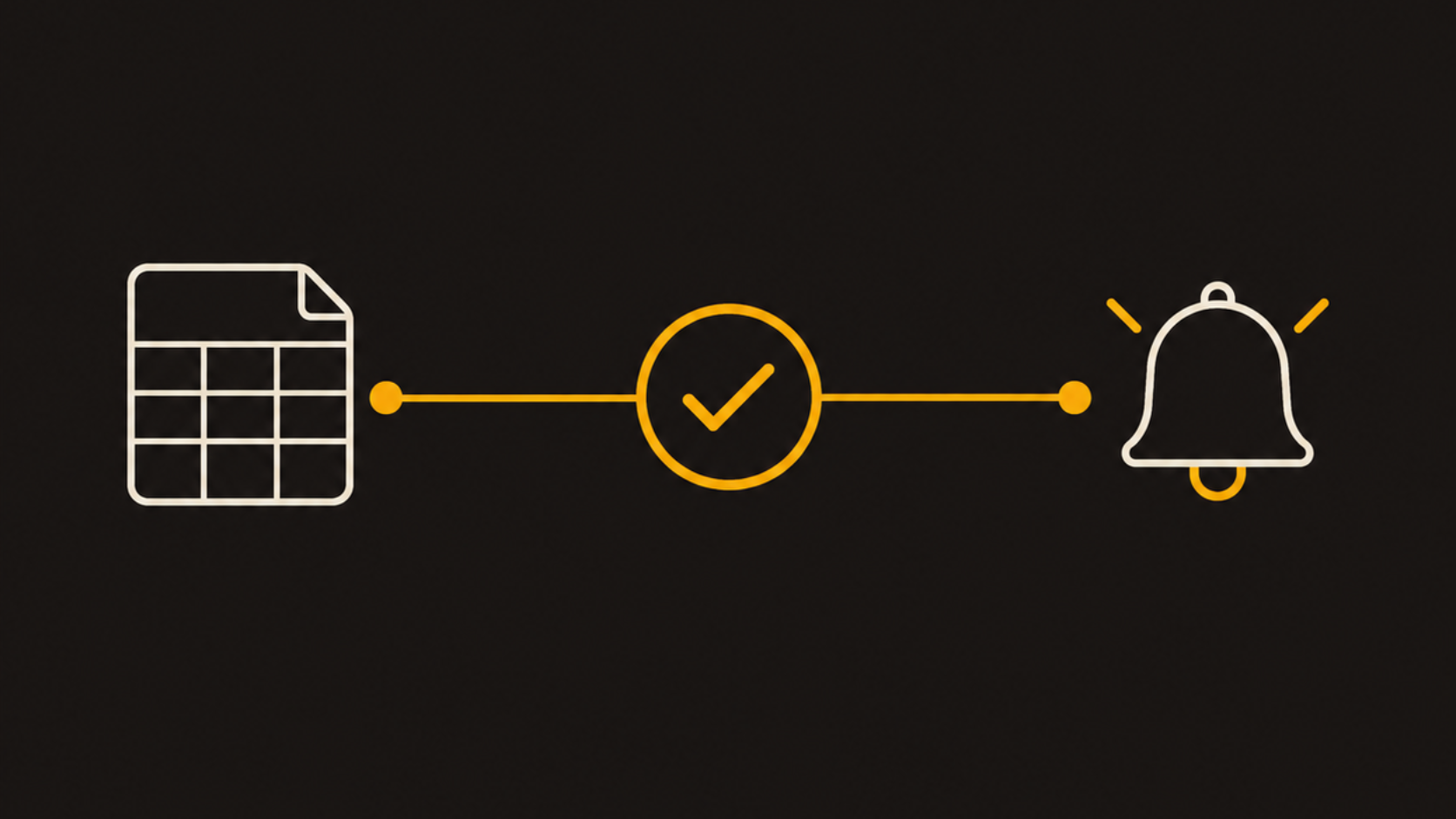
Three stages: watch their sheet for changes, confirm what is actually new, and let a person just ask.
1. Watching the Vendor's Sheet
Power Automate's Google Drive connector watches the clearing company's shared Google Sheet, using nothing more than read-only access, the same as sharing a doc with a coworker, and fires the moment a row changes.
2. Confirming What's Actually New
The changed row gets matched against the firm's own record by trade ID, not row position, since the vendor's sheet can reorder or grow. Comparing the row's actual content, not just whether the ID exists, is what tells a new trade apart from a correction to one already on file.
3. Letting a Person Just Ask
Phase one: a structured lookup in Teams, someone types a trade ID and gets the matching row back. Phase two: a Copilot Studio agent answers plain-language questions like what happened with an account last week, with a link back to the source row.
Design Decisions
The choices that mattered.
- Read-only access was the constraint, not a preference. The clearing company was never going to install anything on their side, so the entire design started from what could be built using only a read-only share, not from an ideal architecture they'd have to support.
- Everything had to run on tools they already paid for. The firm was already a Microsoft shop, so introducing a new platform would have meant new logins, new training, and a new subscription cost just to solve one problem. Building the whole pipeline on Power Automate, Teams, and Copilot Studio meant it lived entirely inside software they were already paying for.
- Building it ourselves would have meant maintaining it ourselves. Google's Drive API can push instant notifications, but only if you host an endpoint for it to call and renew the subscription every couple of days. Using Power Automate's own connector meant the same near-instant reaction, using a tool the team already ran.
- A changed row is not automatically a new trade. Sometimes it's a correction, like a fixed price. Matching only on whether a trade ID exists would silently treat a correction as a duplicate and drop it.
- Speed wasn't really the point. The value isn't that this notices faster. It's that this pipeline is what actually sends the confirmation, instead of just helping someone notice sooner that one never went out.
Looking Back
What designing this taught me.
- Constraints are design inputs, not obstacles to work around. Once read-only and nothing-installed was fixed, most of the rest of the architecture followed from that one limitation.
- The best automation targets the real failure, not the closest symptom. The visible problem was that nobody knew a confirmation was missing. The real problem was that nothing was actually sending it. I designed for the second one.
- Small, correct checks beat clever, broad ones. Matching on trade ID and content instead of row position doesn't sound sophisticated, but it's the specific decision that keeps this pipeline reliable as the vendor's sheet changes shape over time.
- I'd rather under-scope phase one than overbuild it. Starting with a structured lookup in Teams, and only adding open-ended AI questions in phase two, meant the simplest, most reliable version could ship first.
- Working within what they already had was its own skill. I went in assuming I'd need to evaluate automation platforms from scratch. Instead, I had to learn what Power Automate and Copilot Studio could actually do, because the firm's Microsoft subscription already covered everything the pipeline needed. A firm that's already stretched thin on software budget shouldn't have to add something new just because it's what I was more comfortable building with.
Get in Touch
Let's build something that works.
Open to strategy, operations, and analytics roles, and consulting projects. If you're working on a problem worth solving, I'd like to hear about it.
Email Me Back to Home